Your taxes. Your machine. Your data.
TaxClaw turns W‑2s, 1099s, and K‑1 PDFs into clean data — locally by default, without uploading your SSN to anyone.
Runs on your machine. Exports CSV/JSON. No account required.
Why are we still retyping boxes in 2026?
- You’re handed a stack of PDFs and asked to become a human OCR engine.
- One fat-fingered digit can turn into hours of cleanup (or a notice).
- Most “AI tax tools” start with: upload your most sensitive documents to our servers.
How it works
See it in action →
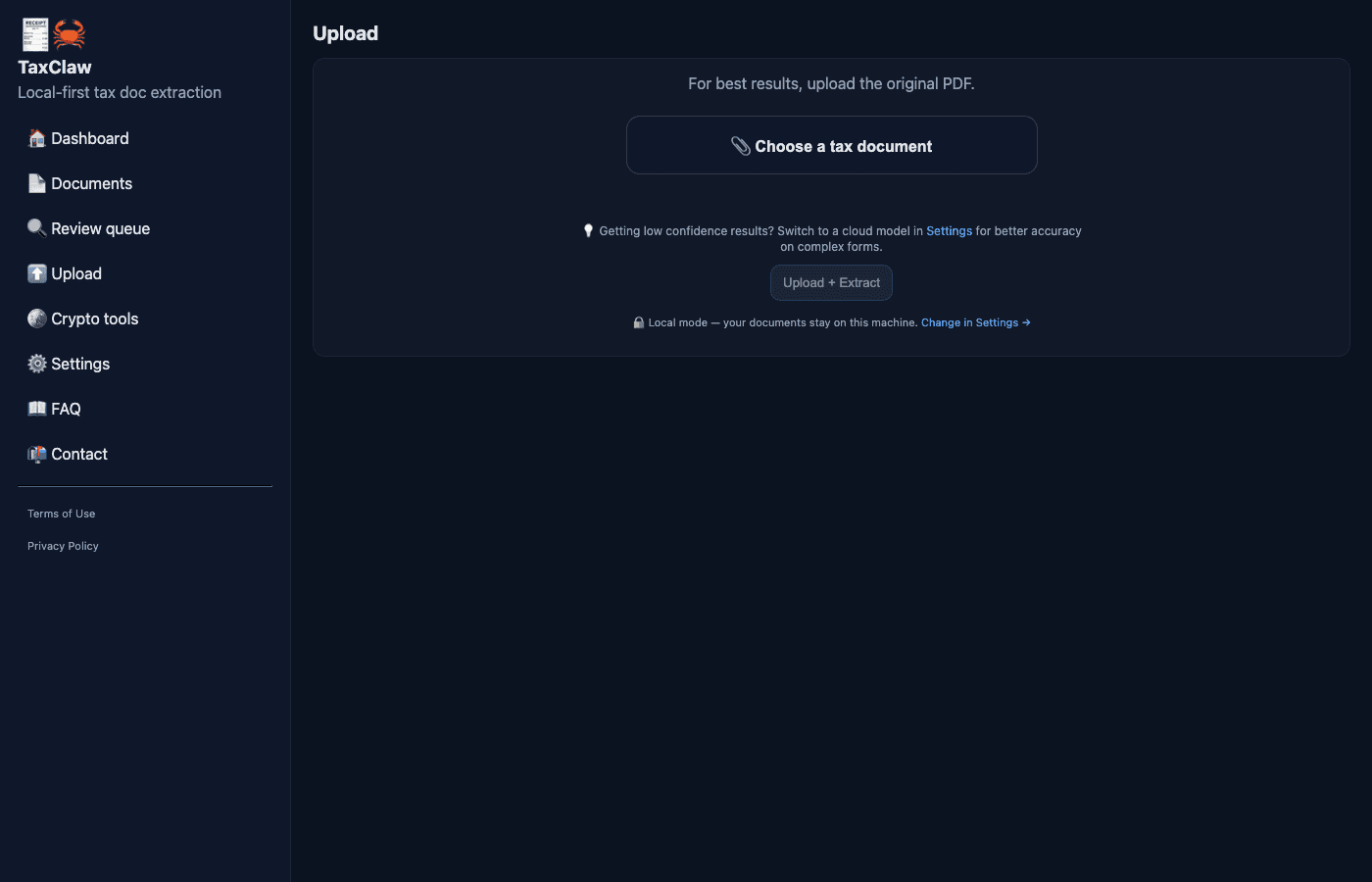
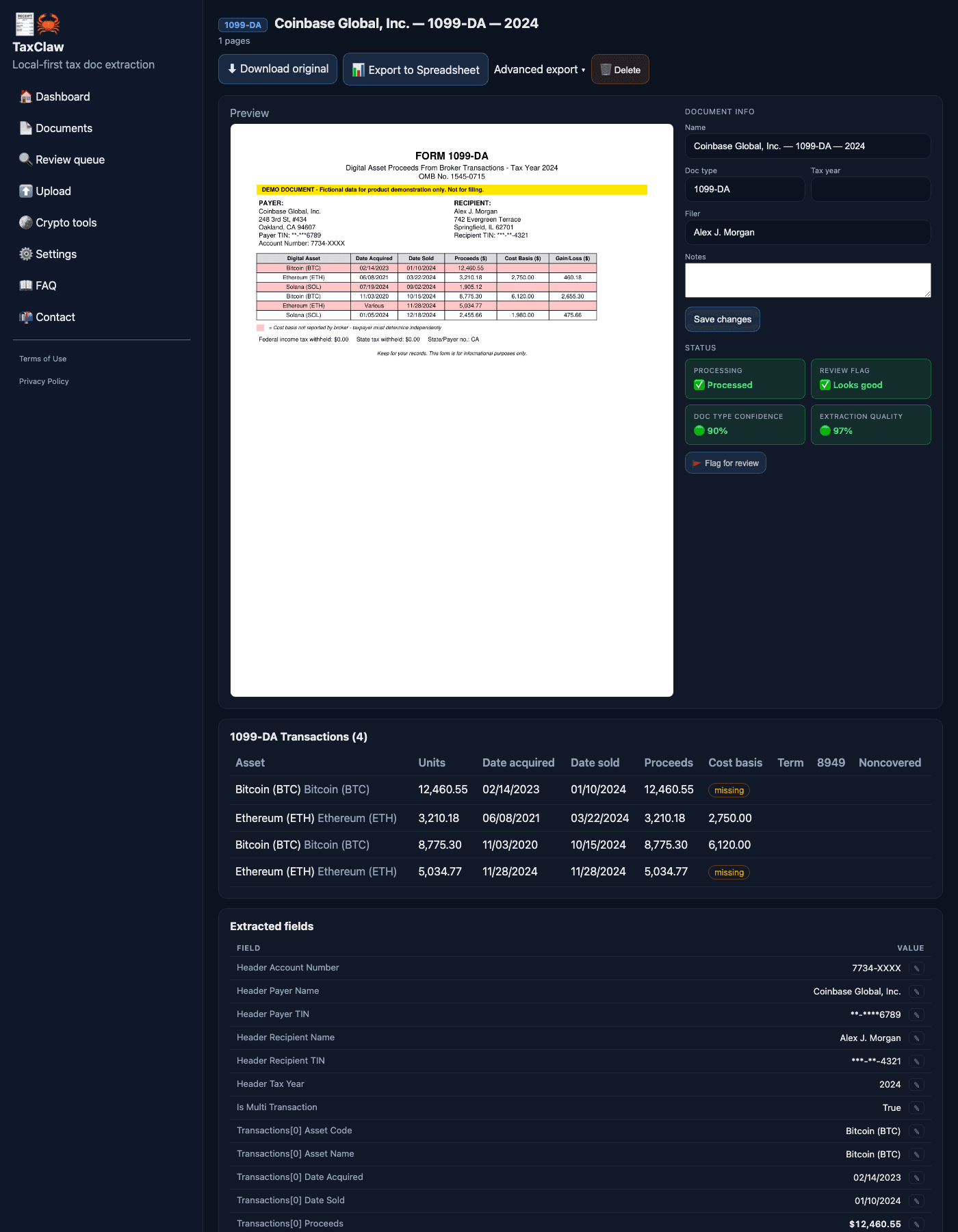
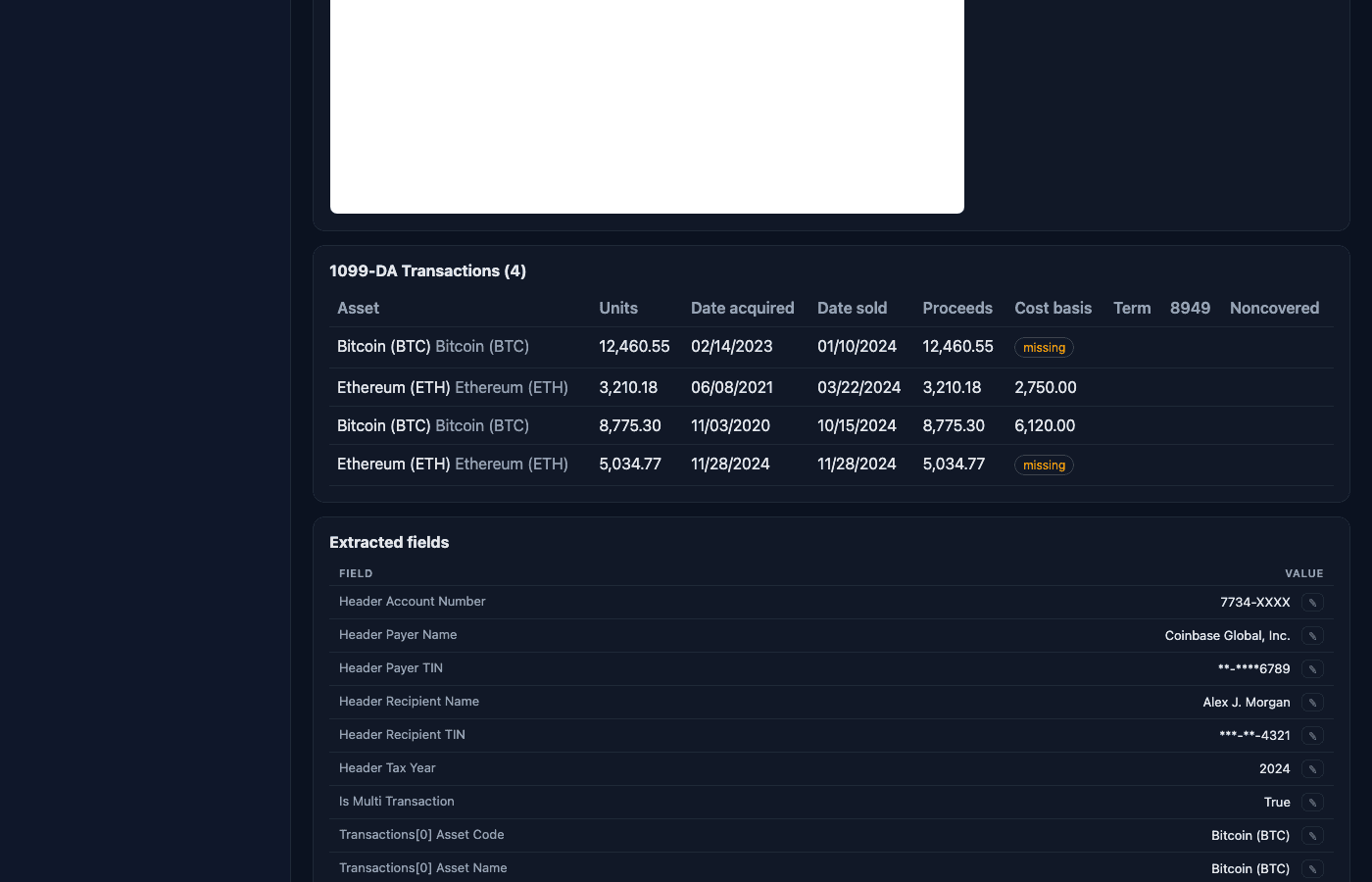
🪙 Got a 1099-DA? You’re not done yet.
TaxClaw helps you extract what you sold and the proceeds — but cost basis is what turns that into real gains/losses.
If you received a 1099‑DA this year, here’s what to do next.
Install TaxClaw
It's an OpenClaw skill — install in seconds.
Tell your agent: "Install the TaxClaw skill"
Or send directly: openclaw skill install taxclawgit clone https://github.com/DougButdorf/TaxClaw
cd taxclaw && ./setup.sh && ./start.sh
# Opens at http://localhost:8421OpenClaw is a local AI agent platform. TaxClaw is built as a native skill — your agent can install, run, and interact with it directly.
Learn more at openclaw.ai →Privacy first
Tax docs aren’t “just paperwork.” They’re your SSN, your income, your accounts — your whole financial life.
Most AI tools lead with “upload your PDFs.” TaxClaw doesn’t.
If you choose cloud inference, document content is sent to the selected provider. Local is the default.
Supported forms
🤖 Your agent already knows what to do.
Got a tax doc? Forward it to your AI assistant.
Just say "add this to TaxClaw" — and it’s done.
Shows up here automatically. Already extracted.
No uploading. No UI. Just review.
Everything stays local. Nothing goes to the cloud.
taxclaw ingest <file> --filer doug --year 2025Free vs Pro
You can run TaxClaw fully local forever. Pro is for power-user exports + batch workflows (coming soon).